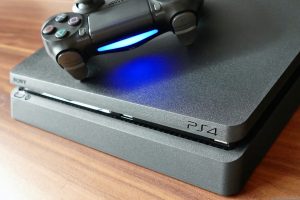
PlayStation 5 Slim Hits Record Low Price as Gamers Weigh Up Backwards Compatibility
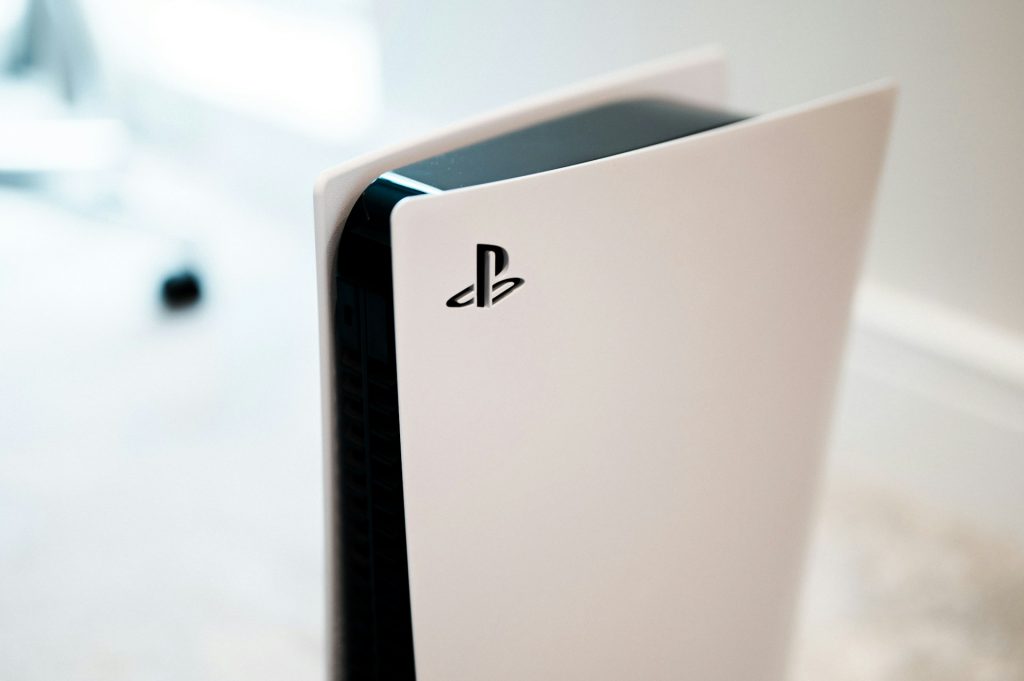
Bargain hunters looking to upgrade their gaming setup are in luck this week. The discount retailer Netto is currently shifting the PlayStation 5 Slim Digital Edition for a rather tempting €429. Whilst that is already a decent reduction compared to the standard €415 online going rate, a savvy trick brings the cost down even further. By activating a coupon on the product page, shoppers receive a €30 in-store voucher, effectively dropping the console’s price to an unbeatable €399. As an added bonus, applying the coupon completely removes all delivery charges.
Buyers will receive the Flowering Fortnite Bundle. Make no mistake, the console itself is exactly the standard slimline model, featuring the 825GB SSD, a DualSense controller, and a pre-installed copy of Astro’s Playroom. The bundle simply throws in a voucher for Fortnite enthusiasts, netting them eight cosmetic items and 1,000 V-Bucks. Those with absolutely no interest in the battle royale game can just ignore the extra code and enjoy securing the hardware at arguably the best price on the net right now.
Naturally, snapping up a new console remains a significant investment even with such heavy discounts. For many, the deciding factor before taking the plunge is whether they can bring their existing game library along for the ride. The prospect of losing access to a generation of classics is daunting, making backwards compatibility a critical selling point for Sony’s latest machine.
Playing Your PS4 Favourites
The good news is definitively positive. The PS5 is fully backwards compatible with the vast majority of the 4,000-plus titles released for the PlayStation 4. Whether you own physical discs or digital downloads, they will boot up without a hitch, provided they are supported. In fact, the newer hardware often breathes fresh life into older titles, pushing them to run at higher, much smoother frame rates. Sony does advise a touch of caution regarding game add-ons initially. It is generally best to test the base game first to catch any potential performance hiccups before installing extra downloadable content.
The Few Unsupported Exceptions
Despite this sweeping compatibility, a handful of PS4 games remain stranded on older hardware. Sony currently lists a very small number of incompatible titles, including Afro Samurai 2 Revenge of Kuma Volume One, Just Deal With It!, Robinson: The Journey, We Sing, Hitman Go: Definitive Edition, and Shadwen. Fortunately, this list has not grown for quite some time and has actually shrunk significantly since launch, suggesting ongoing developer support to patch the remaining outliers.
Legacy Generations and Cloud Streaming
When the conversation shifts to the PlayStation 2 and PlayStation 3 eras, things become slightly more complicated. Popping an old PS2 or PS3 disc into the drive will yield no results, as physical media from those earlier generations is not natively supported. To dive into these retro catalogues, you will need a PlayStation Plus subscription. Sony offers a cloud-based streaming service operating much like Netflix, allowing players to instantly access a rotating selection of games across multiple console generations. Some titles remain on the service indefinitely, whereas others might vanish after a year, so it pays to keep an eye on the official roster.
Hardware Limitations and Upgrades
Unsurprisingly, this cross-generational play does not work in reverse. You simply cannot run PS5 games on a PS4 console. Titles developed for the current generation are specifically optimised to take advantage of the PS5’s bespoke internal architecture. The sheer technological grunt required for features like lightning-fast SSD loading times, ray tracing, and native 4K resolution outpaces the older components found inside the PS4.
Migrating Your Digital Library
Once the shiny new PS5 is unboxed, getting your old data across is a remarkably straightforward process. Anyone holding onto both consoles can transfer their saves and games directly over a local Wi-Fi network or via a standard tethered LAN cable. Simply ensure both machines are switched on and connected to the same network. Navigate through the PS5 settings menu to System, then System Software, and select Data Transfer. After choosing the source PS4, you will be prompted to hold the older console’s power button for about a second until it beeps. From there, it is just a matter of selecting exactly what data you wish to pull across to your new machine.